| 所在主题: | |
| 文件名: PDF Annotator.rar | |
| 资料下载链接地址: https://bbs.pinggu.org/a-653460.html | |
| 附件大小: | |
|
如果你在电脑上阅读大量pdf格式的学术文章以及书籍,可能经常会想到标注重点内容。但是pdf游览器做不到这一点。如果你要打印出来后在用荧光笔标注可能浪费纸张,也不符合低碳经济的要求。
PDF Annotator是个非常好的PDF文件标注软件,用此软件你可以随便对文件的任何部位进行标注。标注功能包括荧光笔,下划线,和很多其他图标,而且可以在文件里写入你的感受。令人兴奋的是,你可以保存你的标注内容。下次打开的时候你完全可以看到你保存的重点内容。 PDF Annotator 会让你读电子书的感受完全接近读纸张版的书。 PDF Annotator®Annotate, Edit and Comment PDF files。 Comment and Markup Annotations can be added using the pen in almost any color and different pen widths. Simply write your comments directly into the document! Click to Enlarge... 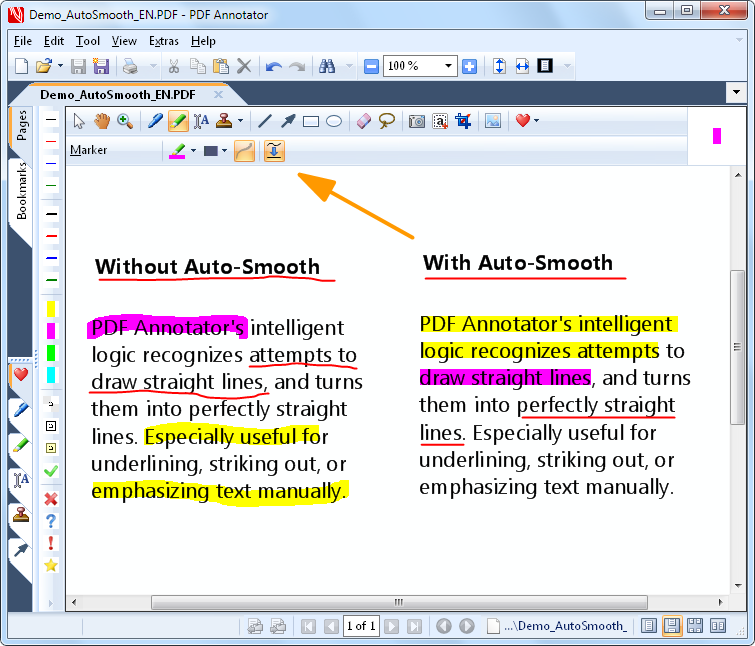 Auto-Smooth Auto-SmoothPDF Annotator's intelligent logic recognizes attempts to draw straight lines, and turns them into perfectly straight lines. Especially useful for underlining, striking out, or emphasizing text manually. Click to Enlarge... 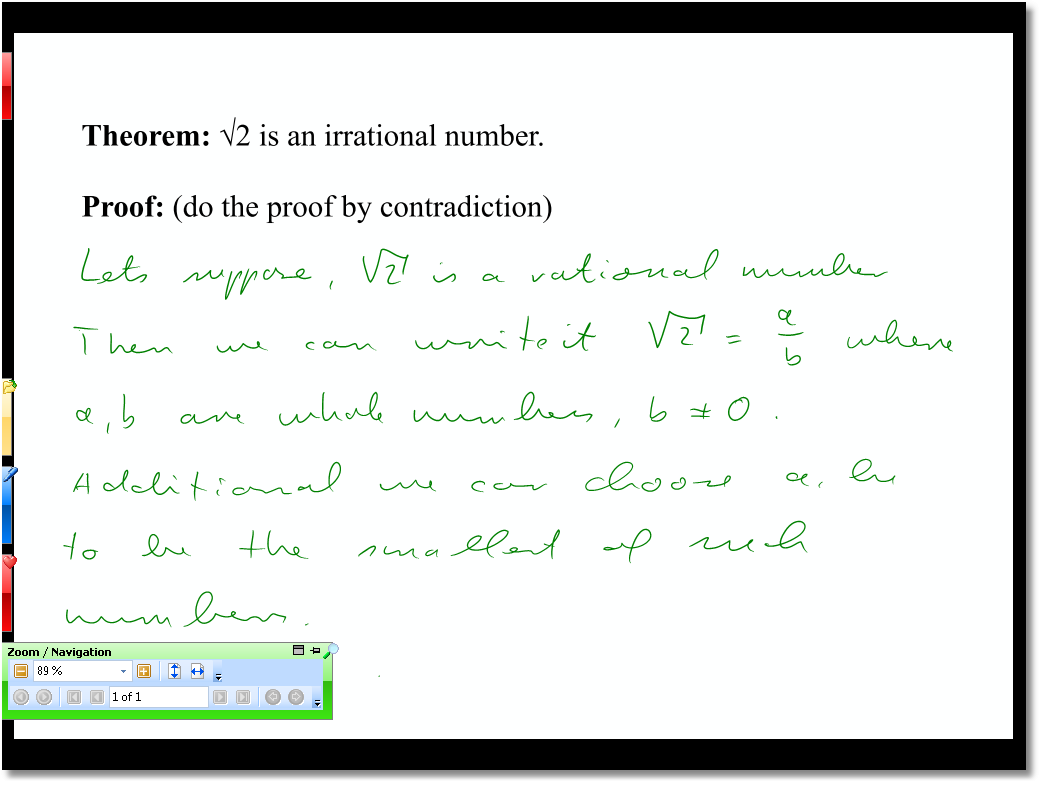 Full Screen Mode Full Screen ModeUse PDF Annotator in full screen mode for your presentations to be able to mark up and complete your slides or worksheets live on the screen. Click to Enlarge... 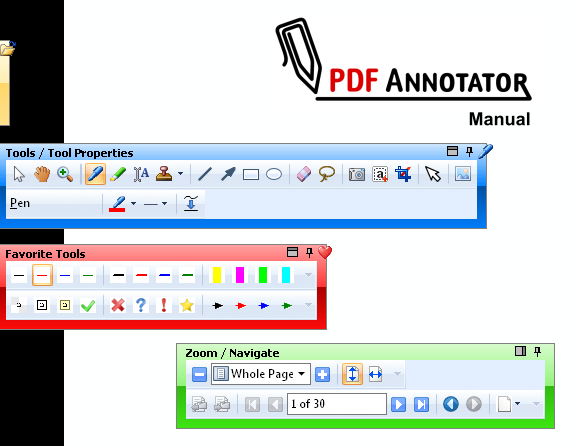 Fly-in Toolbars Fly-in ToolbarsMake use of the unique fly-in toolbars in full screen mode, which don't occupy much space, but are available at any time. Click to Enlarge... 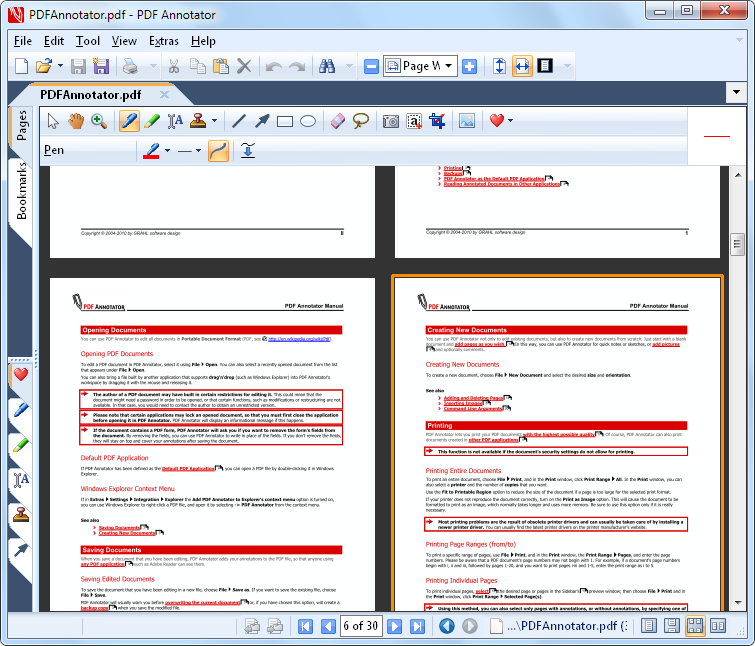 Page Layout Modes Page Layout ModesSelect between single page and two pages, whole page and continuous view. Click to Enlarge... 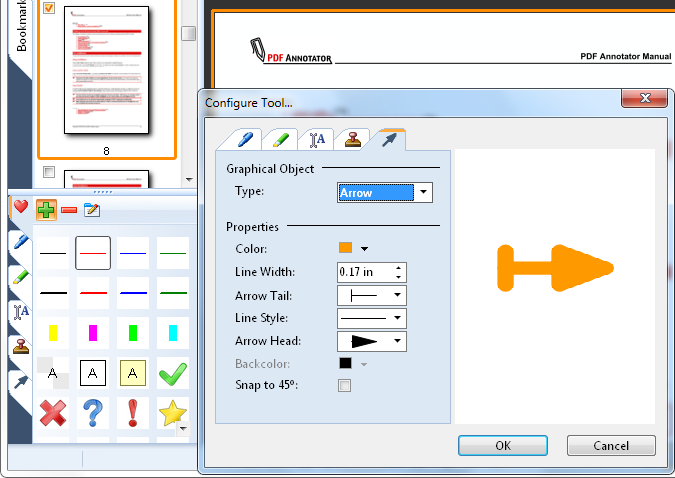 Tool Configuration Tool ConfigurationFreely configure the tools in your toolbox. Create the tools you need without restriction. Click to Enlarge... 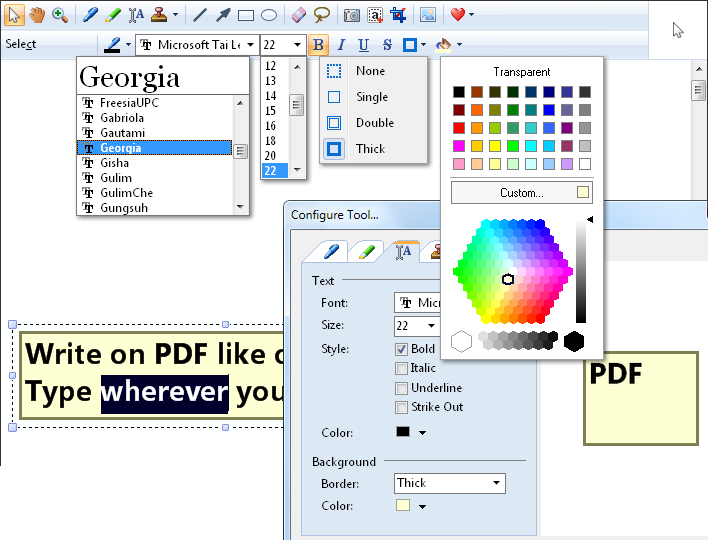 Text Tool Options Text Tool OptionsAll tools support various style properties, like different colors, borders, fonts and widths. Click to Enlarge... 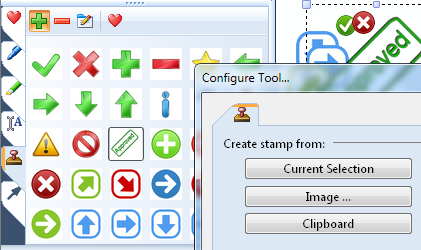 Stamps StampsRe-use symbols, drawings, images or text boxes and use them as stamps. Click to Enlarge... 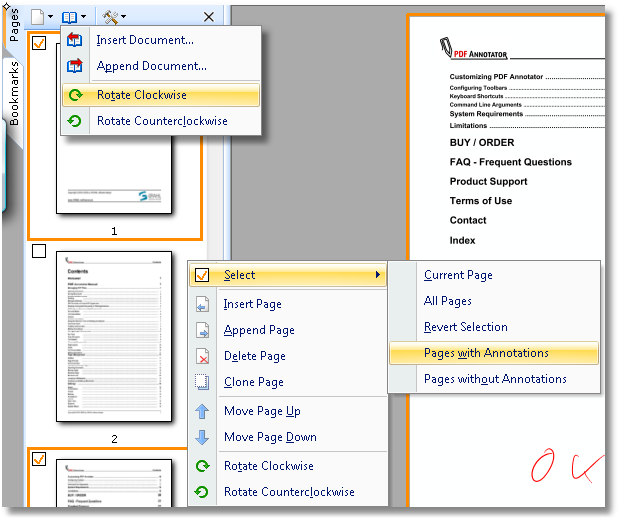 Page Management Page ManagementInsert, clone, delete or reorder pages or even insert or append complete documents so you can merge multiple documents into a single one. Click to Enlarge... 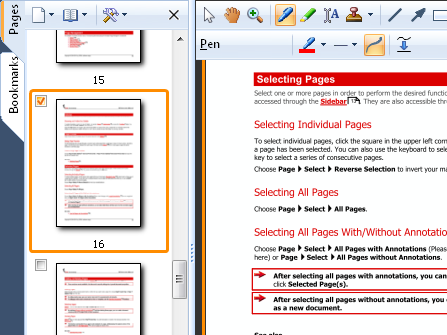 Page Preview Page PreviewQuick expandable thumbnail view with multi-select support for all page operations. Click to Enlarge... 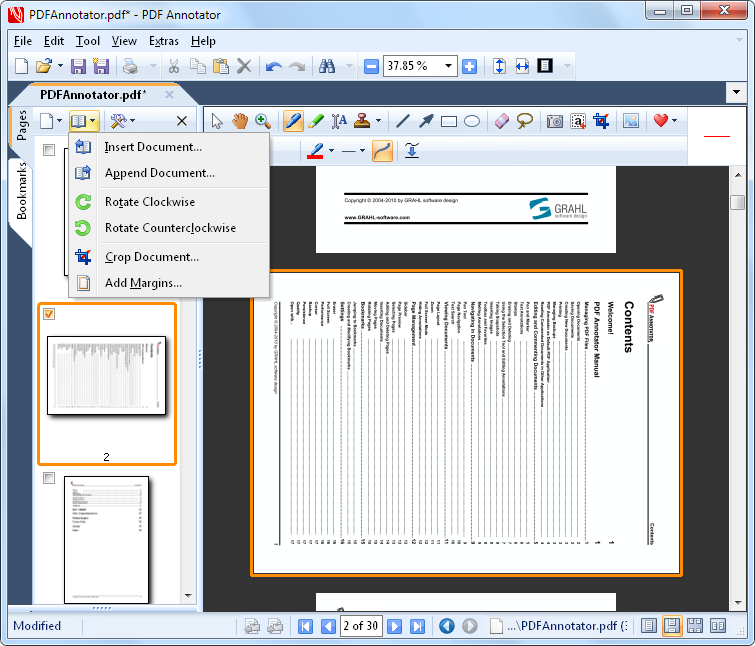 Rotate Pages Rotate PagesPermanently rotate single page or the entire document. |
|
 熟悉论坛请点击新手指南
|
|
| 下载说明 | |
|
1、论坛支持迅雷和网际快车等p2p多线程软件下载,请在上面选择下载通道单击右健下载即可。 2、论坛会定期自动批量更新下载地址,所以请不要浪费时间盗链论坛资源,盗链地址会很快失效。 3、本站为非盈利性质的学术交流网站,鼓励和保护原创作品,拒绝未经版权人许可的上传行为。本站如接到版权人发出的合格侵权通知,将积极的采取必要措施;同时,本站也将在技术手段和能力范围内,履行版权保护的注意义务。 (如有侵权,欢迎举报) |
|

京ICP备16021002号-2 京B2-20170662号
 京公网安备 11010802022788号
论坛法律顾问:王进律师
知识产权保护声明
免责及隐私声明
京公网安备 11010802022788号
论坛法律顾问:王进律师
知识产权保护声明
免责及隐私声明




